Text to Image AI Generator
Turn text briefs into polished visuals for product ideas, ads, and storyboard exploration across the HappyHorse image workflow
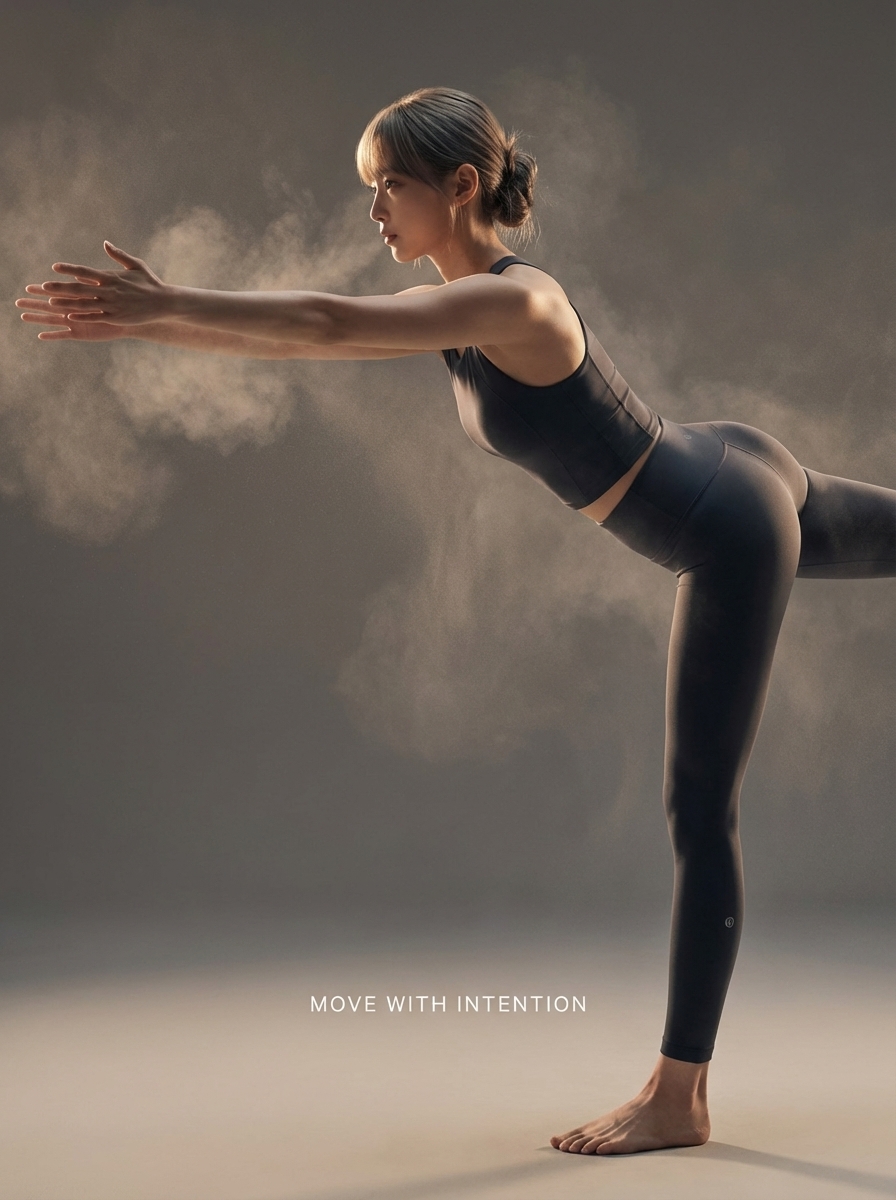
Inspiration
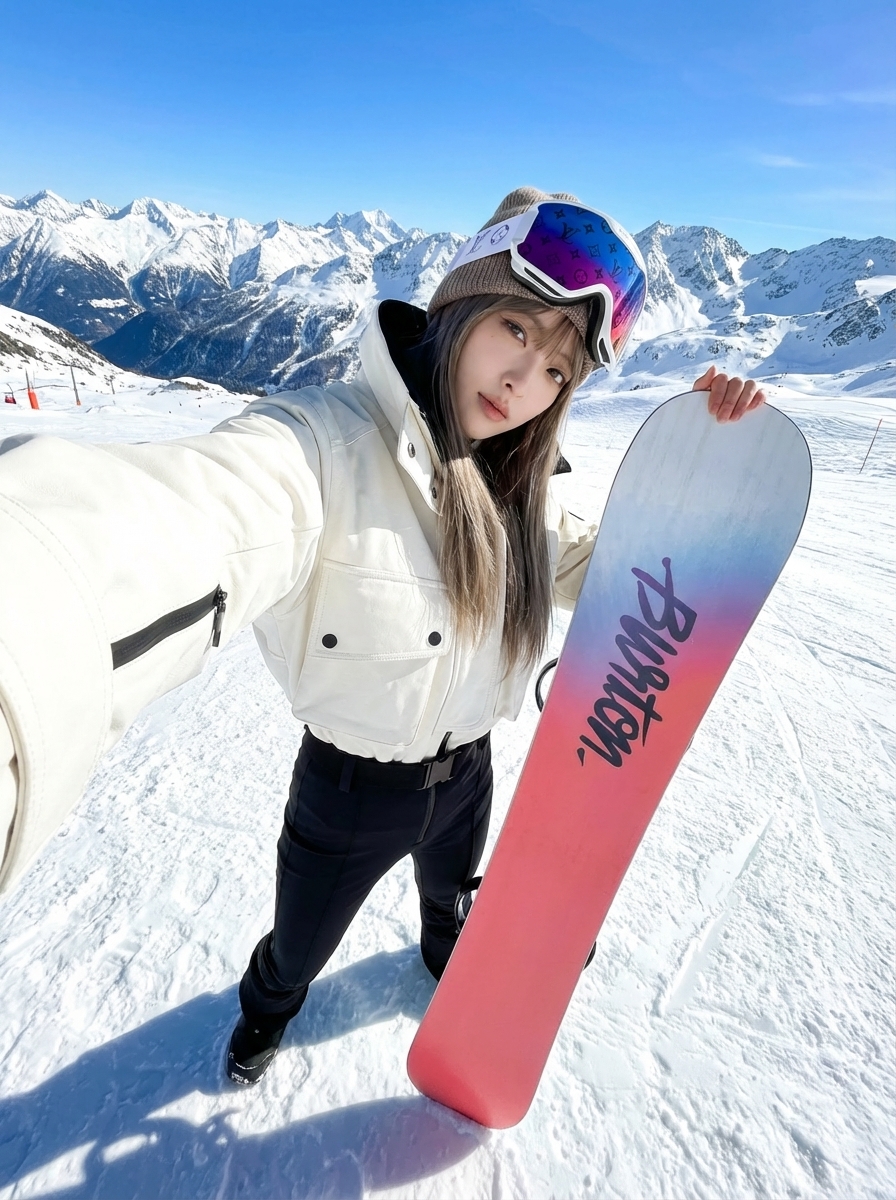
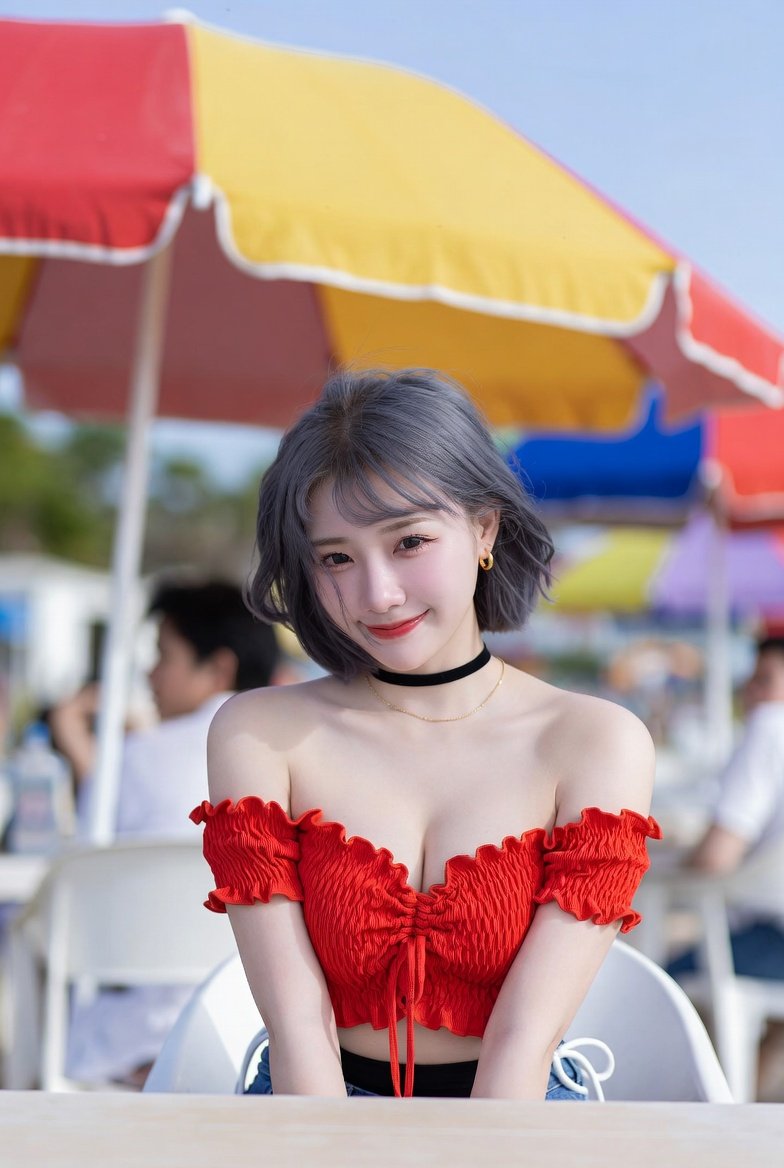
View All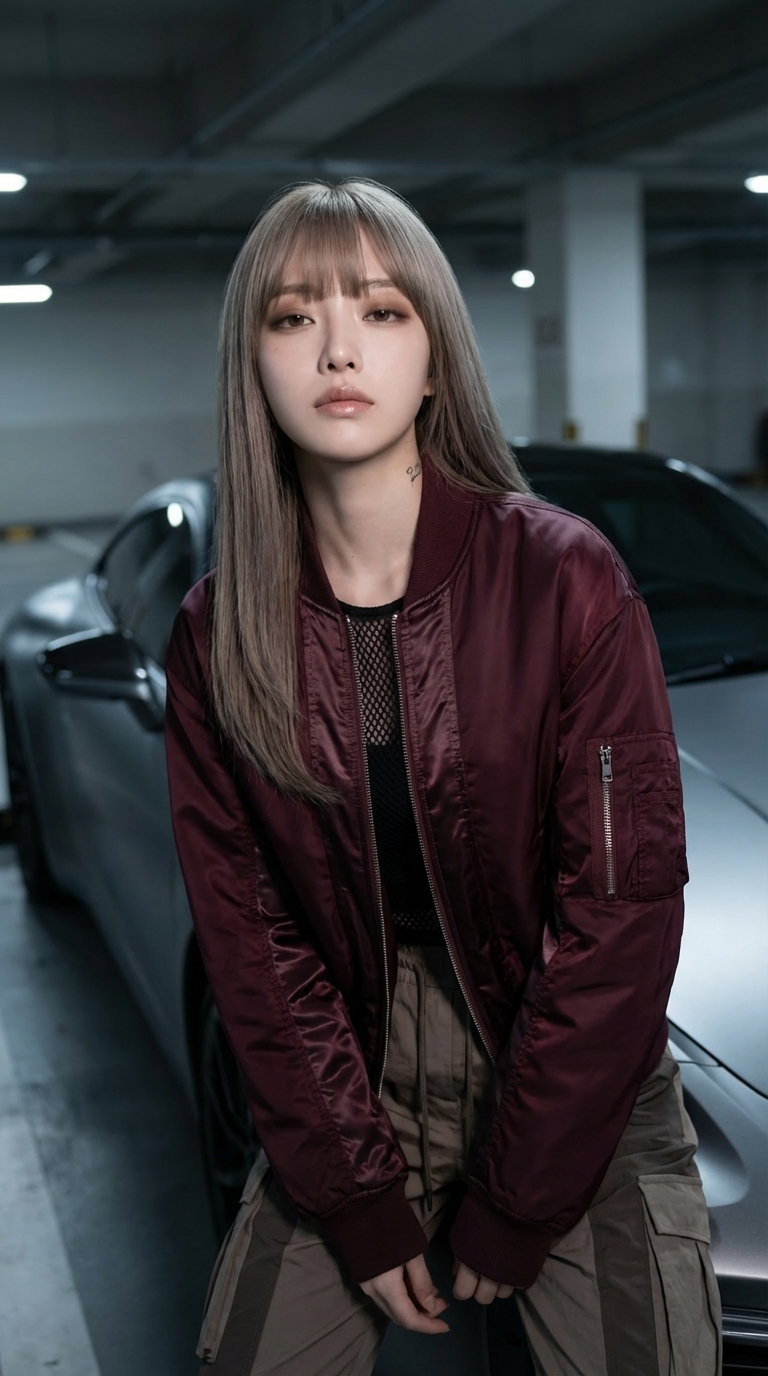
How it Works
Start with a Prompt, Script, or Reference
Describe a shot in natural language or upload a keyframe to begin HappyHorse text-to-video or image-to-video generation with stronger creative direction and multilingual prompt support.
Direct Motion, Expression, and Camera Intent
Use HappyHorse AI to refine camera movement, facial acting, body motion, pacing, and visual consistency so each generation stays closer to your intended human-centric scene.
Export Clips for Production Workflows
Download polished HappyHorse clips for ads, social campaigns, product launches, explainers, digital-human videos, storyboards, and other production workflows.
Text to Image AI Generator FAQ
Our AI image generator can create styles like photorealistic, anime, oil painting, watercolor, digital art, 3D render, sketch, and more. Describe your desired style in the prompt.
More detail generally produces better results. Include subject, style, lighting, colors, composition, and mood. Example: 'A majestic lion in golden hour lighting, photorealistic style, cinematic composition'.
The AI image generator supports multiple sizes and aspect ratios, including square, portrait, and landscape options.
Yes. Negative prompts help exclude unwanted elements. Example: add 'people, faces' if you want an empty landscape.
Standard text to image generation costs 3 credits. Premium models may cost more depending on quality and resolution.
Yes. You can generate multiple variations from the same prompt to explore different results.
Build storyboard frames before video generation
Use the text to image AI generator to create reference frames, product visuals, thumbnails, and storyboard images that can feed directly into image to video workflows.
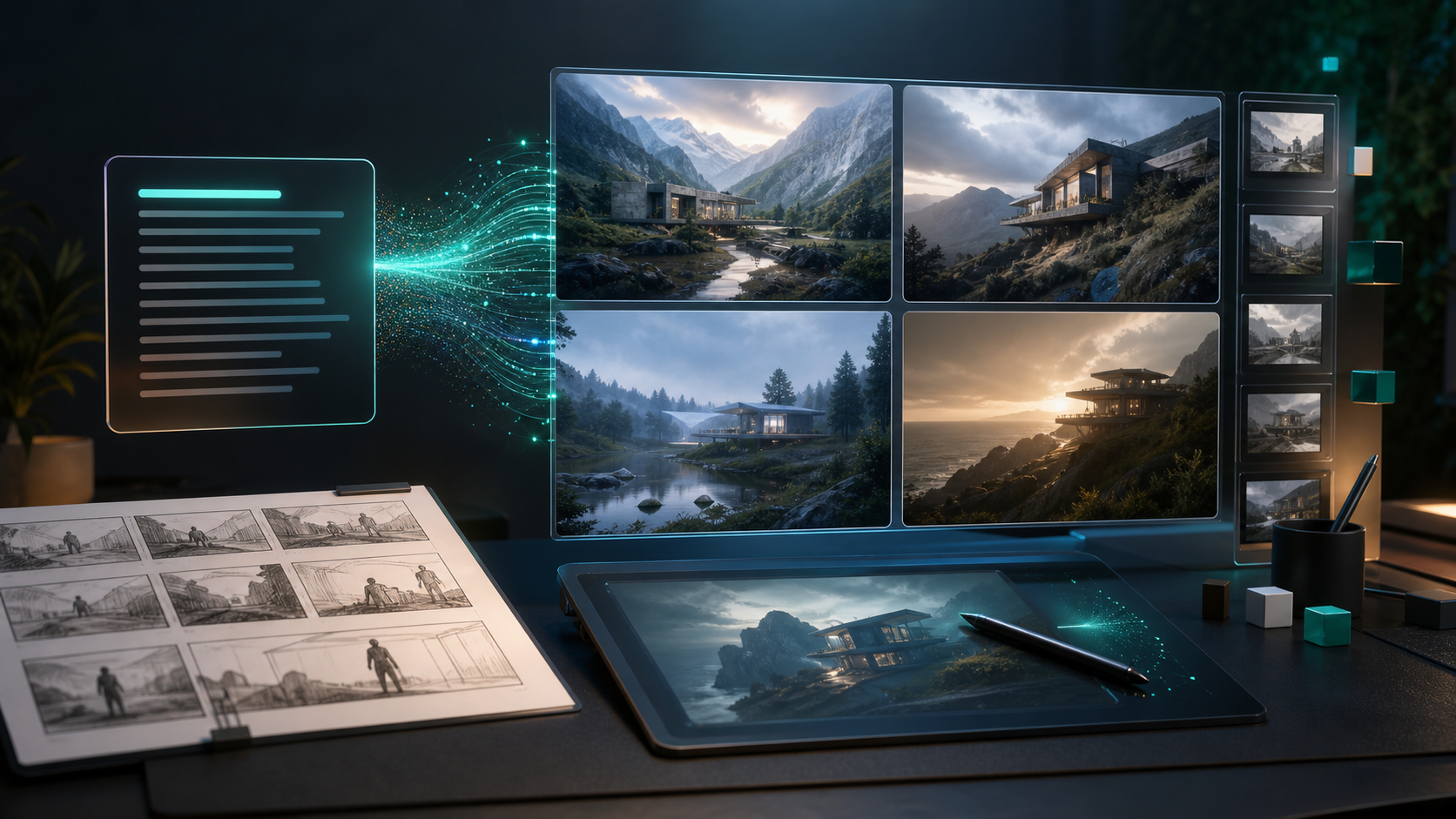
- Create a visual reference before animating a scene.
- Generate thumbnails and campaign images for testing.
- Lock character or product direction before using image to video.
- Use style, camera, lighting, and composition details in the prompt.
- Generate several variations before choosing a frame to animate.
- Send strong images into image to video for more controlled motion.
Ready to create with HappyHorse AI?
Upgrade for faster queues, higher usage, longer generations, and more credits across your HappyHorse AI video workflow.