Video to Audio AI Converter
Extract audio from video or generate a new soundtrack on HappyHorse when a clip needs music, ambience, or sound effects.
Drop video file
or click to browse
Your video with audio will appear here
Inspiration
View AllHow it Works
Start with a Prompt, Script, or Reference
Describe a shot in natural language or upload a keyframe to begin HappyHorse text-to-video or image-to-video generation with stronger creative direction and multilingual prompt support.
Direct Motion, Expression, and Camera Intent
Use HappyHorse AI to refine camera movement, facial acting, body motion, pacing, and visual consistency so each generation stays closer to your intended human-centric scene.
Export Clips for Production Workflows
Download polished HappyHorse clips for ads, social campaigns, product launches, explainers, digital-human videos, storyboards, and other production workflows.
Video to Audio AI Converter FAQ
Our AI analyzes your video and can extract the original audio, enhance it, or generate new audio that matches the visuals and mood.
Extract mode pulls the original audio. Enhance mode improves clarity with AI. Generate mode creates a new soundtrack from the visuals.
Yes. The AI can analyze silent videos and generate appropriate audio based on the visuals.
Supported formats include MP4, MOV, AVI, and WEBM. Videos can be up to 100MB for best results.
Extraction is usually fast. Enhanced processing or AI-generated audio can take longer depending on length and complexity.
Commercial usage depends on your plan and terms. Check your subscription details for usage rights.
Generate or extract audio from video
Video to audio AI helps create sound, music, and effects for existing clips. Upload a video, guide the audio style, and generate synchronized audio for your scene.
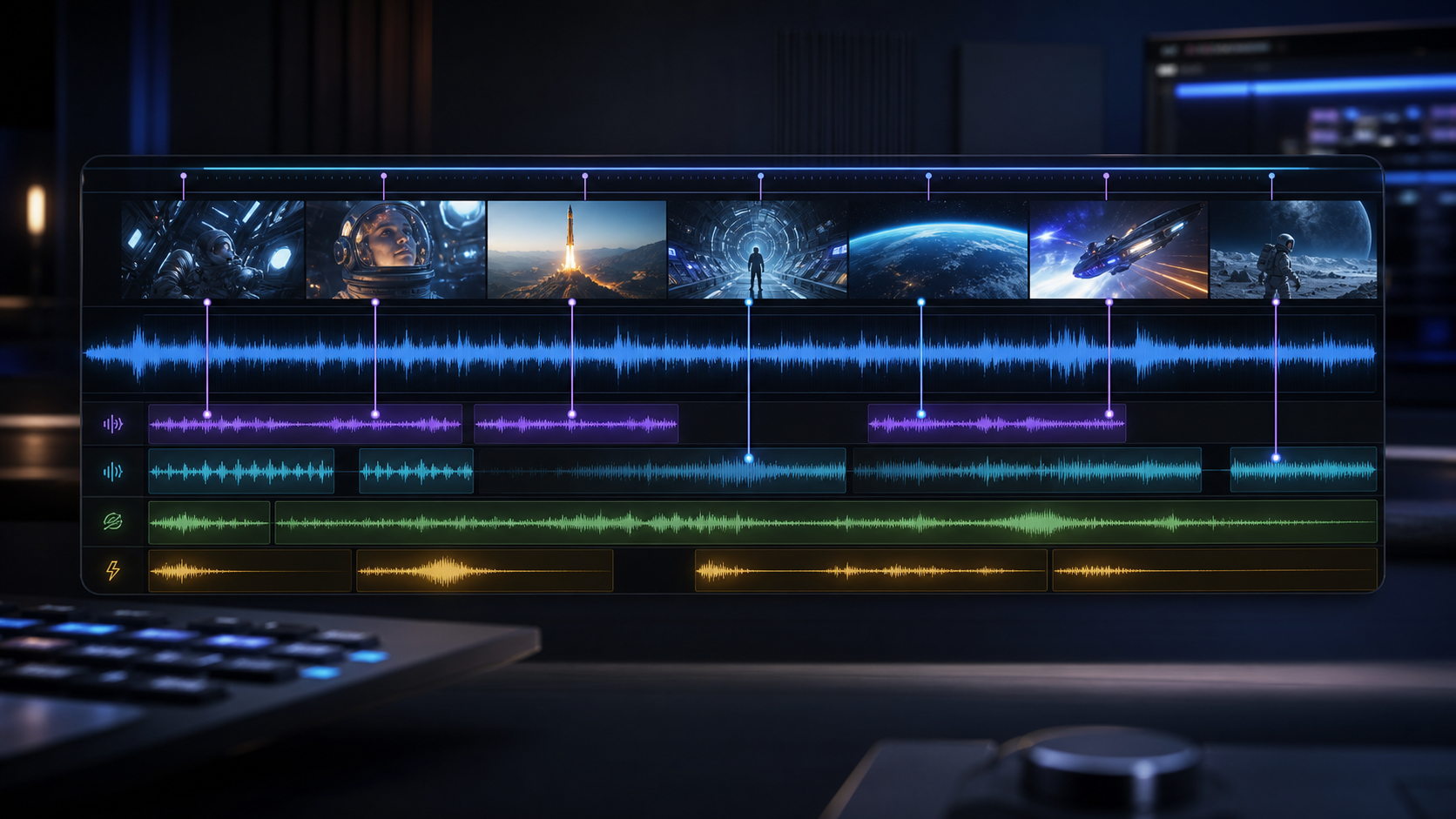
- Add music and effects to silent AI video clips.
- Create audio variations for social ads and demos.
- Match sound design to motion, pacing, and scene mood.
- Use short clips when testing a new sound direction.
- Describe whether you need music, ambience, effects, or a mix.
- Pair with video dubbing when dialogue or localization is needed.
Ready to create with HappyHorse AI?
Upgrade for faster queues, higher usage, longer generations, and more credits across your HappyHorse AI video workflow.