Text to Video AI Generator
Generate cinematic text-to-video clips with HappyHorse AI for ads, storyboards, social posts, and fast prompt-led video iteration.
For Happy Horse 1.0, prompt must be 2500 characters or fewer.
0/2500Inspiration
View AllHow it Works
Start with a Prompt, Script, or Reference
Describe a shot in natural language or upload a keyframe to begin HappyHorse text-to-video or image-to-video generation with stronger creative direction and multilingual prompt support.
Direct Motion, Expression, and Camera Intent
Use HappyHorse AI to refine camera movement, facial acting, body motion, pacing, and visual consistency so each generation stays closer to your intended human-centric scene.
Export Clips for Production Workflows
Download polished HappyHorse clips for ads, social campaigns, product launches, explainers, digital-human videos, storyboards, and other production workflows.
Text to Video AI Generator FAQ
Generate cinematic scenes, product showcases, abstract visuals, nature footage, and more. Describe style, camera movement, and mood for best results.
Runway Gen-3 (10 credits) offers the highest cinematic quality. Pika (5 credits) is faster. Stable Video (7 credits) balances quality and speed.
You can generate text to video from 3 to 10 seconds depending on the model and plan.
Yes. Negative prompts help exclude unwanted elements like distortions or specific objects.
Videos are delivered in MP4 format, suitable for social, web, and professional use.
Be specific about the scene, camera movement, lighting, and mood. Example: 'Slow dolly shot of a mountain landscape at golden hour, cinematic lighting'.
You can start on our free tier and use credits to generate videos. Paid plans include more credits, higher limits, and priority queues.
It means we try to preserve creative flexibility while enforcing our content policy. Illegal content is prohibited, and you must have rights to any content you upload or reference.
Create videos from text prompts
HappyHorse text to video AI turns scene descriptions into short clips for ads, storyboards, social videos, and creator workflows. Write a prompt, choose a model, and iterate on motion, lighting, and framing.
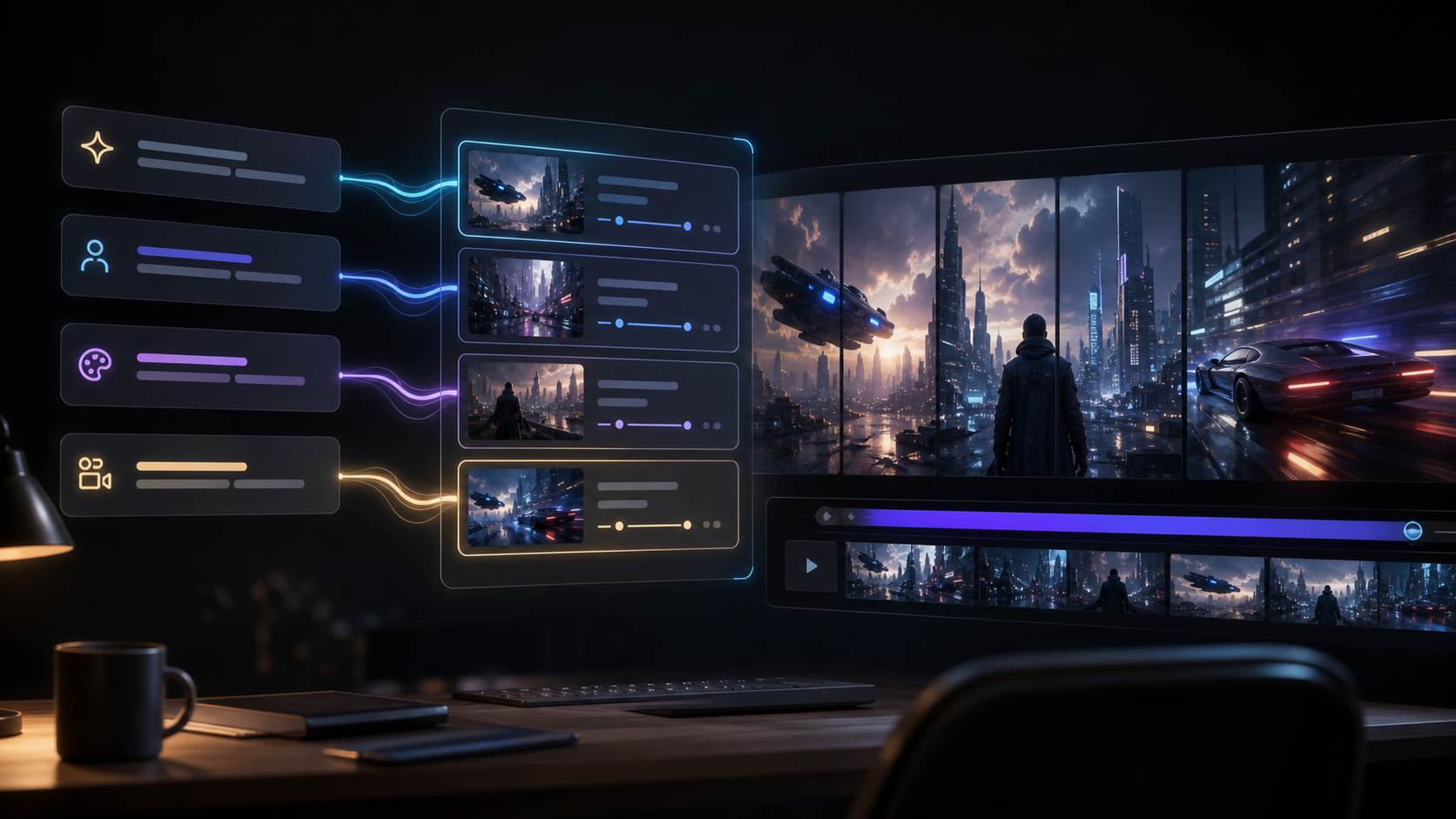
- Turn campaign ideas into first video drafts.
- Generate concept shots before filming or editing.
- Create short scenes for social posts and product storytelling.
- Include subject, setting, camera motion, lighting, and mood.
- Use one scene per prompt when you need cleaner results.
- Link from text to image when you need a locked visual reference first.
Ready to create with HappyHorse AI?
Upgrade for faster queues, higher usage, longer generations, and more credits across your HappyHorse AI video workflow.