Categories: AI Video Workflow, Creator Strategy, Production Process
Tags: happy horse, ai video workflow, content strategy, creator toolkit
Mastering AI Video Production with Veo 3 and Happy Horse
As we navigate 2026, the landscape of digital content creation is being reshaped by advanced AI tools. Google's Veo 3 AI video generator stands out as a transformative force, enabling creators, marketers, and filmmakers to produce high-quality video content with unprecedented efficiency and creative control. This guide explores Veo 3's capabilities and integrates them into a practical, repeatable workflow using Happy Horse, designed to streamline your production process from concept to publication.
What is Veo 3 AI Video Generator?
Veo 3 is Google's cutting-edge AI model engineered for converting text prompts into sophisticated, high-quality video content. It represents a significant evolution in AI-powered video creation, building upon its predecessors to deliver enhanced realism, superior motion understanding, and greater creative flexibility. Unlike traditional video editing software, which demands manual assembly of assets, Veo 3 generates complete video sequences directly from natural language descriptions. This paradigm shift empowers creators to focus on narrative and vision, letting AI handle the intricate details of visual execution.
The early 2026 release of the Veo 3.1 update further solidified its position, introducing critical improvements that refine its core functionalities and expand its utility for diverse applications.
Core Features of Veo 3: A Deep Dive for Creators
Understanding Veo 3's core features is essential for leveraging its full potential within your Happy Horse workflow. These capabilities directly translate into the quality and complexity of the videos you can generate.
1. Text-to-Video Generation: The Foundation of Creativity
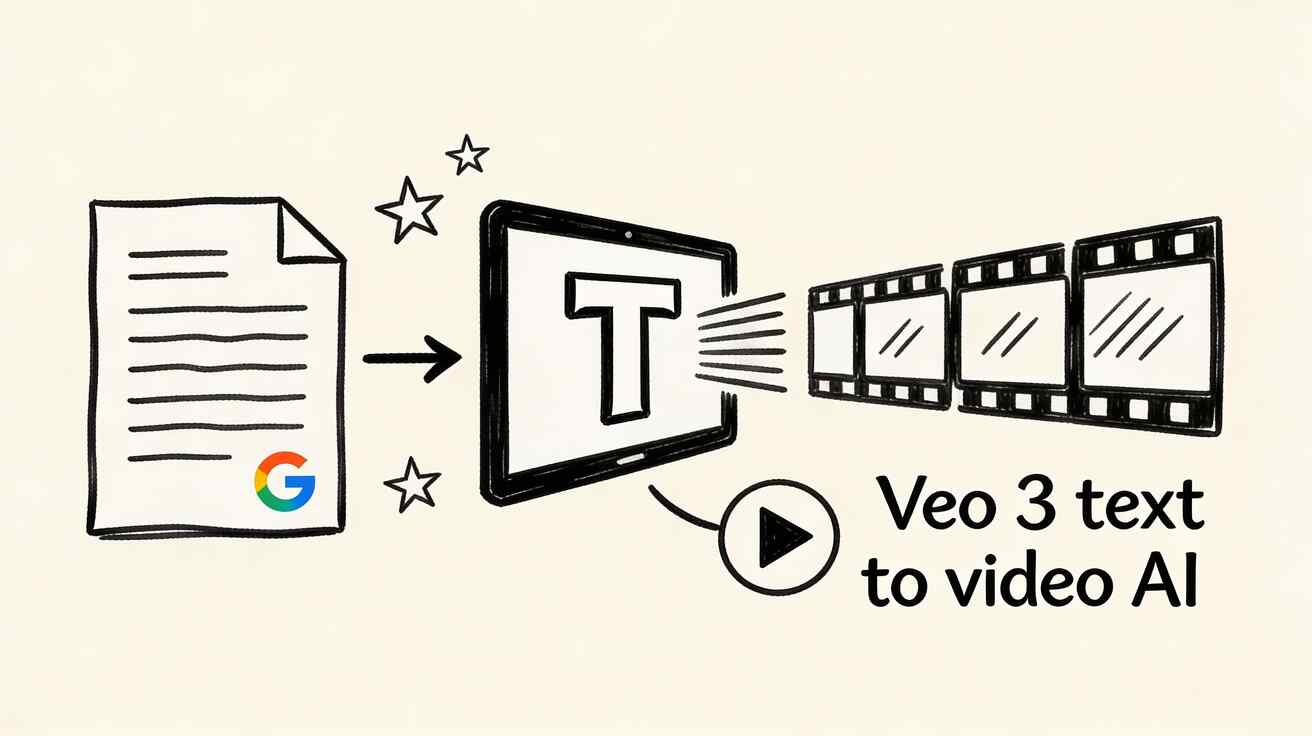
At its heart, Veo 3 excels at generating videos from detailed text descriptions. Users can articulate scenes, actions, camera movements, and specific stylistic preferences using natural language. Veo 3 then interprets these prompts, translating them into coherent and visually compelling video sequences. This feature is the starting point for most AI video projects, allowing you to quickly prototype ideas and bring concepts to life without extensive manual effort.
Happy Horse Integration: Begin your creative process in Happy Horse's Text to Video module. Experiment with various prompts, focusing on clear, descriptive language to guide Veo 3's generation. This initial step is about rapid ideation and generating foundational clips.
2. High-Resolution Output: Professional Quality at Your Fingertips
Veo 3 produces videos at up to 4K resolution, ensuring professional-grade quality suitable for a wide array of uses, from commercial broadcasts to large-screen displays. The model meticulously maintains sharp details and realistic textures, even in complex scenes populated with multiple elements. This high fidelity means your AI-generated content can stand alongside traditionally produced media, ready for immediate deployment.
Happy Horse Integration: While Veo 3 handles the resolution, Happy Horse helps you manage the output. After generating your 4K clips, use Video to Video to refine composition or apply consistent stylistic overlays, ensuring your high-resolution assets are perfectly aligned with your brand's aesthetic.
3. Sophisticated Motion Understanding: Bringing Scenes to Life
One of Veo 3's most acclaimed features is its advanced comprehension of natural motion. The model accurately reproduces nuanced movements, from the subtle sway of foliage to complex character interactions. This ensures that generated videos feel dynamic and lifelike, avoiding the stiff or unnatural movements often seen in earlier AI video models.
Happy Horse Integration: Once initial clips are generated via Text to Video, leverage Happy Horse's Video to Video to further enhance or modify motion. You can experiment with different motion styles or apply subtle stabilization, ensuring every movement is precisely as intended.
4. Artistic Style Control: Tailoring Visual Aesthetics
Veo 3 offers extensive control over artistic styles, allowing users to specify aesthetics ranging from photorealistic and cinematic to animated, painterly, or highly stylized. This flexibility makes Veo 3 an invaluable tool for diverse applications, from polished corporate videos to experimental artistic projects.
Happy Horse Integration: Use Happy Horse's Image to Video module to establish a visual style from a reference image, then transition to Video to Video to apply that style consistently across multiple generated clips. This ensures stylistic coherence throughout your project.
5. Narrative Continuity: Coherent Storytelling
The Veo 3.1 update significantly enhanced the model's ability to generate multiple related scenes that maintain strong narrative continuity. This is a game-changer for storytelling, educational content, and marketing campaigns that demand coherent sequences and a consistent visual thread across different shots.
Happy Horse Integration: For projects requiring narrative flow, plan your prompts carefully. Generate individual scenes in Text to Video, then use Video to Video to stitch them together, ensuring smooth transitions and consistent visual elements. This iterative refinement is key to building compelling narratives.
6. Google Workspace Integration: Seamless Workflow
Veo 3 integrates seamlessly with Google Workspace tools. This allows users to manage projects, collaborate on prompts, and share generated content within their existing Google ecosystem, simplifying team workflows and content distribution.
Happy Horse Integration: While Veo 3 handles the direct integration with Google Workspace, Happy Horse complements this by providing a focused environment for iterative video refinement. Export your Veo 3 outputs, import them into Happy Horse, and then use its specialized tools to polish and prepare them for final distribution, potentially back into your Google Workspace for team review.
Happy Horse Production Framework: Step-by-Step Workflow
To truly maximize the power of Veo 3, integrate it into a structured, repeatable production framework. Happy Horse provides the ideal environment for this, offering a suite of tools that complement Veo 3's generation capabilities.
Phase 1: Concept & Initial Generation
- Define Your Objective: Clearly outline the purpose of your video. What message do you want to convey? What is the desired emotional tone or call to action?
- Prompt Engineering: This is crucial for optimal results with Veo 3.
- Be Specific: Describe scenes, actions, camera angles, and stylistic elements in detail.
- Use Keywords: Incorporate relevant keywords to guide the AI.
- Iterate: Start with broad strokes, then refine your prompts based on initial outputs.
- First Draft Generation with Happy Horse:
- Text to Video: For purely conceptual videos or quick prototypes, use Happy Horse's Text to Video module. Input your refined Veo 3 prompts here.
- Image to Video: If you have a strong visual reference or a specific aesthetic in mind, start with Image to Video to guide Veo 3's style and composition.
Phase 2: Refinement & Enhancement
- Motion and Style Refinement with Video to Video:
- Take the initial video clips generated by Veo 3 (via Happy Horse's Text/Image to Video modules).
- Use Happy Horse's Video to Video to adjust motion, apply specific filters, change artistic styles, or smooth out transitions between clips. This is where you bring consistency and polish to your raw AI outputs.
- Audio Layering with Video to Audio:
- Once your visuals are solid, add the crucial audio dimension. Use Happy Horse's Video to Audio to add background music, sound effects, or voiceovers that enhance your narrative.
- For bespoke music, explore Text to Music to generate custom soundtracks.
Phase 3: Iteration & Optimization
- Produce Variants: Don't settle for the first good output. Generate one "clean" variant that adheres strictly to your initial vision, and one or two "experimental" variants exploring alternative styles, motions, or audio tracks.
- Compare Performance: Publish your variants and closely monitor their performance metrics (engagement, watch time, conversions).
- Learn and Adapt: Analyze which variants resonate most with your audience. Use these insights to refine your prompt engineering and Happy Horse workflow for future projects. This iterative feedback loop is key to scalable content production.
Best Practices for Veo 3 Video Generation with Happy Horse
- Start Simple, Then Elaborate: Begin with straightforward prompts to understand Veo 3's interpretation, then gradually add complexity.
- Leverage Visual References: For specific styles or aesthetics, use Happy Horse's Image to Video feature to provide visual anchors for Veo 3.
- Focus on Narrative Arcs: For longer content, break your story into distinct scenes and generate them individually, then use Happy Horse's Video to Video to ensure seamless transitions and continuity.
- Experiment with Motion: Veo 3's understanding of natural motion is a powerful asset. Explicitly describe desired camera movements (pans, zooms, dollies) and character actions in your prompts.
- A/B Test Everything: The Happy Horse framework encourages testing. Compare different prompt variations, stylistic choices, and audio tracks to discover what truly performs.
Practical Weekly Workflow for Consistent Output
To maintain a consistent and scalable content pipeline, adopt a weekly rhythm:
- Set Weekly Objectives: Choose 2-3 specific content blocks or video ideas from your content calendar. Define clear objectives for each (e.g., "create a 30-second explainer video," "generate 3 social media shorts").
- Draft with AI: Produce your first drafts using Happy Horse's Text to Video and Image to Video modules, leveraging Veo 3's generation power.
- Refine & Polish: Improve the structure, style, and flow of your generated videos using Video to Video.
- Add Audio: Integrate necessary audio elements via Video to Audio or Text to Music.
- Publish & Analyze: Release your content (including variants) and rigorously track performance. Discard underperforming formats and double down on what consistently succeeds.
Conclusion: Scaling Content with Structure and Strategy
The most reliable path to scaling content output in the age of AI is through standardized production processes. By integrating Google's powerful Veo 3 AI video generator with the structured workflow provided by Happy Horse, you can move beyond ad-hoc creation to a system that prioritizes clear planning, efficient execution, and measurable iteration. Keep your content structure stable, experiment within defined sections, and only scale the formats and approaches that consistently demonstrate superior performance. This strategic approach ensures your creative efforts are not just productive, but also impactful and sustainable.
Call to Action
Ready to revolutionize your video production? Start building and refining your AI-generated videos today with Happy Horse:
- Start with Image to Video: https://openhappyhorse.io/image-to-video
- Start with Text to Video: https://openhappyhorse.io/text-to-video
- Refine with Video to Video: https://openhappyhorse.io/video-to-video
- Add audio with Video to Audio: https://openhappyhorse.io/video-to-audio
- Build supporting visuals: https://openhappyhorse.io/text-to-image
FAQs
1) Can this workflow work for a solo creator? Absolutely. The Happy Horse framework is designed for efficiency. Start with a smaller weekly scope, focusing on 1-2 core objectives, and consistently reuse the same production blocks. This repeatable process minimizes overhead and maximizes output for individual creators.
2) How many variants should I test per post? For effective A/B testing without overwhelming your workflow, 2 to 4 focused variants are typically sufficient. This allows you to identify clear winners in terms of audience engagement, style preference, or narrative impact without excessive production time.
3) Should I prioritize trends or consistency? A balanced approach is best. Use emerging trends to capture immediate audience attention and expand your reach. However, always maintain a consistent format system and brand identity for your core content. This consistency builds long-term brand recognition and audience loyalty, while trends provide tactical boosts.