Categories: AI Video Workflow, Creator Strategy, Production Process
Tags: happy horse, ai video workflow, content strategy, creator toolkit
Introduction
This guide explores how educators can leverage Veo 3, a powerful AI video generation tool, to create compelling and effective educational content. We'll cover its core strengths, practical prompt strategies, workflow integration, and how to measure the impact of your AI-generated videos.
Veo 3's Strengths for Educational Content
Veo 3 offers specific capabilities that make it invaluable for educational content creation. Its advanced AI allows for the visualization of complex concepts, historical recreations, and literary scenes with remarkable detail and accuracy.
Happy Horse execution path:
- Build your first version in Text to Video or Image to Video
- Refine motion/style with Video to Video
- Add sound layers via Video to Audio when needed
- Publish one clean variant and one experiment, then compare performance
Educational Prompt Strategies for Veo 3
Crafting effective prompts is key to maximizing Veo 3's potential. Here are examples tailored for different educational subjects:
- Science and STEM: Visualize intricate biological processes. For instance, "Cell mitosis process, microscopic visualization, slow motion, scientific accuracy, blue and green tones, educational quality, clean dark background."
- History Recreation: Bring ancient worlds to life. Imagine "Ancient Egyptian marketplace, period-accurate architecture and dress, busy and authentic, warm desert light, historical documentary style."
- Literature Visualization: Create atmospheric scenes from classic texts. Try "Victorian London street scene, fog, gas lamps, period architecture, atmospheric and moody, cinematic."
Happy Horse execution path:
- Build your first version in Text to Video or Image to Video
- Refine motion/style with Video to Video
- Add sound layers via Video to Audio when needed
- Publish one clean variant and one experiment, then compare performance
Building an Educational Video Library with Veo 3
A systematic approach ensures your video library directly supports learning objectives. Prioritize video production based on concept difficulty and visual potential. This allows you to tackle complex topics that benefit most from visual explanation first.
Happy Horse execution path:
- Build your first version in Text to Video or Image to Video
- Refine motion/style with Video to Video
- Add sound layers via Video to Audio when needed
- Publish one clean variant and one experiment, then compare performance
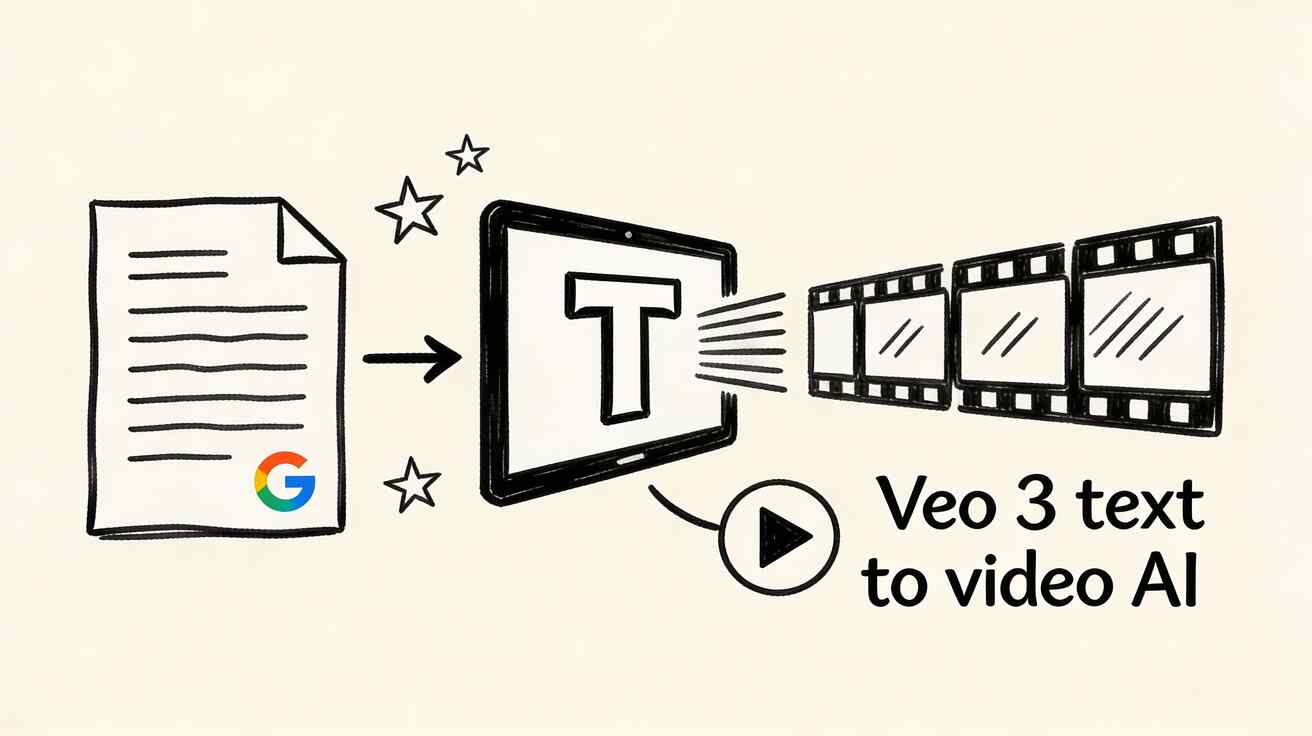
Veo 3 vs. Seedance for Educational Content
Both Veo 3 and Seedance are capable platforms for educational video generation, each with different strengths. Educators should evaluate which platform best aligns with their specific content needs and existing tech ecosystem.
Accessibility and Inclusive Design for Educational Video
When creating educational videos, accessibility is paramount. Ensure high contrast between subjects and backgrounds to aid visually impaired learners, avoiding low-contrast combinations. Consider captions, audio descriptions, and clear narration to make content accessible to all students.
Measuring Educational Effectiveness
To evaluate the impact of your AI-generated educational videos, track key metrics such as:
- Student engagement rates
- Comprehension scores
- Retention rates
- Feedback from learners
These metrics will help you refine your content strategy and optimize for better learning outcomes.
Practical Workflow for Educational Video Production
For educators new to AI video generation, a structured workflow can streamline the process:
- Monday: Review upcoming lessons, identify visual opportunities, and write detailed prompts for Veo 3.
- Tuesday: Generate all necessary video clips for the week in a single session.
- Wednesday-Friday: Edit and integrate the generated clips into lessons, presentations, or course materials.
- Weekend: Review the effectiveness of the videos, gather feedback, and refine prompts for the following week's content.
Integration with Educational Technology
Veo 3 is available through Google Cloud Vertex AI. Educational institutions can apply for access and may qualify for educational pricing through Google for Education programs, facilitating seamless integration with existing learning management systems (LMS) and other educational technologies.
Getting Started Today
For educators looking to begin their journey with AI video generation:
Happy Horse execution path:
- Build your first version in Text to Video or Image to Video
- Refine motion/style with Video to Video
- Add sound layers via Video to Audio when needed
- Publish one clean variant and one experiment, then compare performance
Practical Weekly Workflow
- Define Objectives: Choose 2 to 3 content blocks from this guide and set a clear weekly objective for your video creation.
- Generate First Drafts: Produce initial video drafts using Text to Video and Image to Video.
- Refine & Enhance: Improve the structure, motion, and style of your videos with Video to Video.
- Add Audio: Integrate audio layers where needed using Video to Audio or generate background music with Text to Music.
- Publish & Analyze: Publish your content and track performance. Focus on scaling only the formats and approaches that consistently outperform your baseline.
Conclusion
Standardizing your content production process is the most reliable way to scale output. By keeping your structure stable, iterating on individual sections, and scaling only what proves effective, you can consistently produce high-quality educational videos with Veo 3.
Call to Action
- Start with Image to Video: https://openhappyhorse.io/image-to-video
- Start with Text to Video: https://openhappyhorse.io/text-to-video
- Refine with Video to Video: https://openhappyhorse.io/video-to-video
- Add audio with Video to Audio: https://openhappyhorse.io/video-to-audio
- Build supporting visuals: https://openhappyhorse.io/text-to-image
FAQs
1) Can this workflow work for a solo creator? Yes. Start with a small weekly scope and reuse the same production blocks to manage your workload effectively.
2) How many variants should I test per post? Testing 2 to 4 focused variants is usually sufficient to identify clear winners and optimize your content.
3) Should I prioritize trends or consistency? Use trends to increase reach and visibility, but maintain a consistent format system for long-term brand recognition and learner familiarity.