Categories: AI Video Workflow, Creator Strategy, Production Process
Tags: happy horse, ai video workflow, content strategy, creator toolkit
Introduction
Google's Veo 3 is making waves in AI video generation, but understanding its pricing—especially the "free" options—can be confusing. This guide cuts through the noise, offering a clear comparison of Veo 3's free and paid tiers in 2026. We'll help you determine if the free access is sufficient for your needs or if an upgrade is worth the investment.
Quick Answer: Is Veo 3 Free Enough?
For casual creators and hobbyists, Veo 3's free access through Google AI Studio is often sufficient. It provides enough capability to experiment, test video quality, and create short videos for personal use. However, it comes with significant caveats, making it suitable only for evaluation and light experimentation, not sustainable production.
What's Free in Veo 3 Right Now?
Contrary to popular belief, Google does offer limited free access to Veo 3. This access, however, is designed as a "free sample" to demonstrate its capabilities and encourage upgrades, rather than serving as a robust production tool.
Here are the primary ways to access Veo 3 for free:
- Google AI Studio: This web-based interface is the main free gateway to Veo 3. It allows users to experiment with the model's capabilities.
- VideoFX and Google Labs: Google's more consumer-facing experimental platform, VideoFX, occasionally provides limited Veo 3 access through Google Labs.
- Google Cloud Free Trial Credits: New Google Cloud accounts receive $300 in free credits, which can be applied to Vertex AI services, including Veo 3 API calls. This offers a more substantial, albeit temporary, free experience.
Veo 3 Paid Options: What Do You Actually Get?
Upgrading to paid Veo 3 access transforms the experience from a limited demo into a powerful video production tool. Here's a breakdown of the main paid options:
- Google AI Ultra: Priced at $249.99 per month, Google AI Ultra is the flagship consumer subscription, offering full access to Veo 3's advanced capabilities.
- Google AI Pro (Important Note): Many users mistakenly believe Google AI Pro ($19.99/month) includes Veo 3 access. It does not. This subscription is for other AI services.
- Vertex AI API: For developers and enterprises looking to build applications with Veo 3, the Vertex AI API offers consumption-based pricing, eliminating the need for a monthly subscription commitment.
- Reseller Platforms: Several third-party platforms also resell Veo 3 access, often at varying price points and with different bundled services.
Free vs Paid: Side-by-Side Comparison
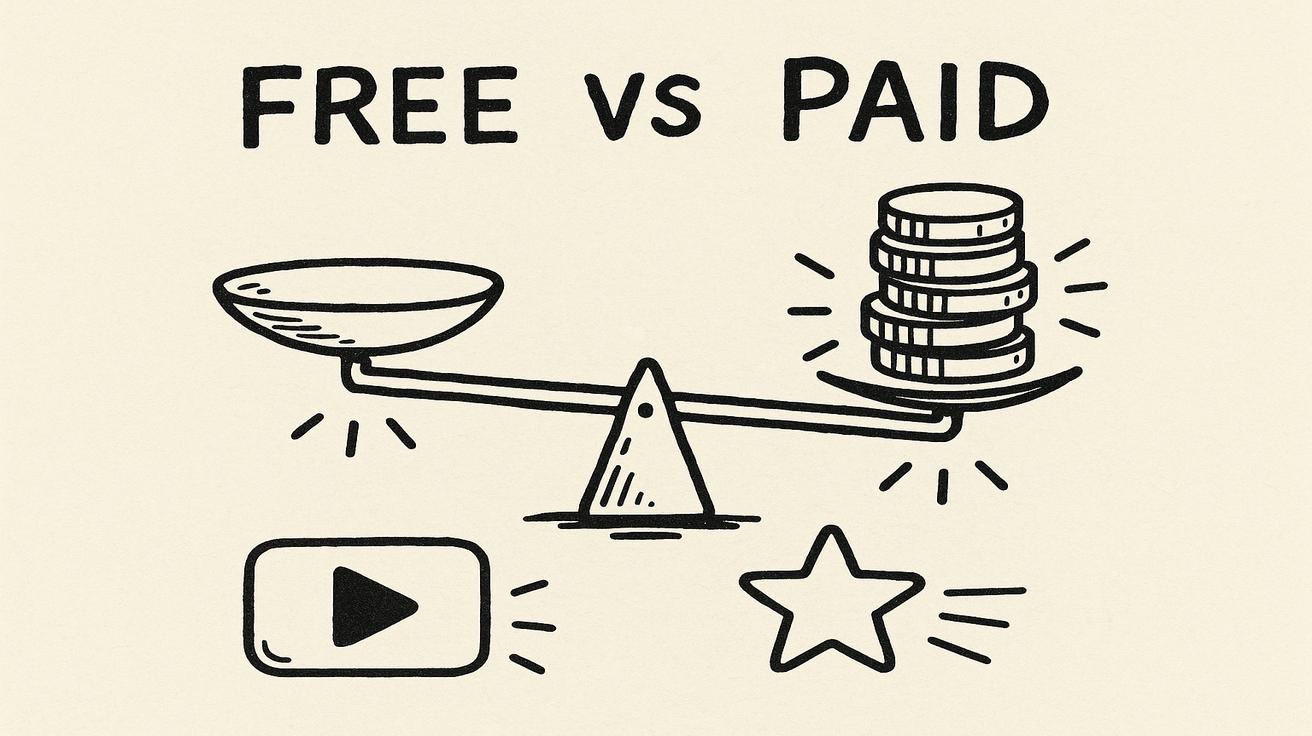
The definitive breakdown of what you gain by upgrading from free to paid Veo 3 access highlights the significant difference in capabilities, usage limits, and support. While free access is great for evaluation, paid tiers unlock the full potential for serious content creation.
Who Should Stick with Free?
The free tier is ideal for:
- Casual creators and hobbyists: Those looking to experiment with AI video generation without a significant investment.
- Evaluators: Users who want to test Veo 3's quality and features before committing to a paid plan.
- Students and educators: For learning and non-commercial projects.
Who Should Pay?
Paid Veo 3 access is essential for:
- Professional content creators: Individuals or teams who need consistent, high-quality video output for commercial projects.
- Businesses and marketers: Companies looking to integrate AI video into their marketing strategies and production workflows.
- Developers: Those building applications that leverage Veo 3's API for custom solutions.
Is Veo 3 Worth Paying For Compared to Rivals?
The value of Veo 3's paid tiers compared to rivals depends on your specific needs, budget, and desired features. Its integration with the Google ecosystem and advanced capabilities make it a strong contender for those prioritizing cutting-edge AI video generation.
How to Get the Most from Veo 3 Free Tier
Even with its limitations, you can maximize your free Veo 3 experience:
- Focus on short, experimental clips: Use it to test different prompts, styles, and concepts.
- Leverage Google AI Studio: Familiarize yourself with the interface and its capabilities.
- Monitor Google Labs: Keep an eye out for new features or temporary access opportunities through VideoFX.
- Utilize Google Cloud credits wisely: Plan your projects to make the most of the $300 free credits if you're a new user.
Final Verdict: Is Veo 3 Worth Paying For?
For anyone serious about integrating AI video generation into their workflow, the paid tiers of Veo 3 offer a transformative experience. While the free access serves as an excellent introduction, it's designed to be a sample, not a sustainable production tool. If you need consistent, high-quality, and scalable AI video creation, investing in a paid option is likely worth it.
Practical Weekly Workflow
To effectively integrate AI video generation into your content strategy, consider a structured workflow:
- Define Objectives: Choose 2-3 content blocks from this article and set a clear weekly objective for your video output.
- Initial Drafts: Produce your first video drafts using Text to Video and Image to Video on Happy Horse.
- Refine & Enhance: Improve the motion, style, and overall structure with Video to Video.
- Audio Integration: Add sound layers where necessary via Video to Audio or generate music with Text to Music.
- Publish & Analyze: Publish one polished variant and one experimental version. Compare their performance to identify what resonates best with your audience.
This approach keeps production repeatable, reduces random editing loops, and makes weekly iteration measurable, leading to more effective content.
Conclusion
Scaling content output reliably hinges on standardizing your production process. By maintaining a stable structure, iterating on specific sections, and scaling only what proves effective, you can maximize your AI video generation efforts.
Call to Action
- Start with Image to Video: https://openhappyhorse.io/image-to-video
- Start with Text to Video: https://openhappyhorse.io/text-to-video
- Refine with Video to Video: https://openhappyhorse.io/video-to-video
- Add audio with Video to Audio: https://openhappyhorse.io/video-to-audio
- Build supporting visuals: https://openhappyhorse.io/text-to-image
FAQs
1) Can this workflow work for a solo creator? Yes. Start with a small weekly scope and reuse the same production blocks to maintain consistency and efficiency.
2) How many variants should I test per post? Testing 2 to 4 focused variants is usually sufficient to identify clear winners and optimize your content strategy.
3) Should I prioritize trends or consistency? Use trends for immediate reach and engagement, but maintain a consistent format system for long-term brand recognition and audience memory.