Categories: AI Video Workflow, Creator Strategy, Production Process
Tags: happy horse, ai video workflow, content strategy, creator toolkit
Introduction
This guide explores how Google's Veo 3 AI video model interprets and generates diverse visual styles, offering a practical framework for Happy Horse users. By understanding Veo 3's capabilities, creators can achieve clearer planning, faster execution, and stronger publishing consistency.
Core Content Blocks
How Veo 3 Processes Style Instructions
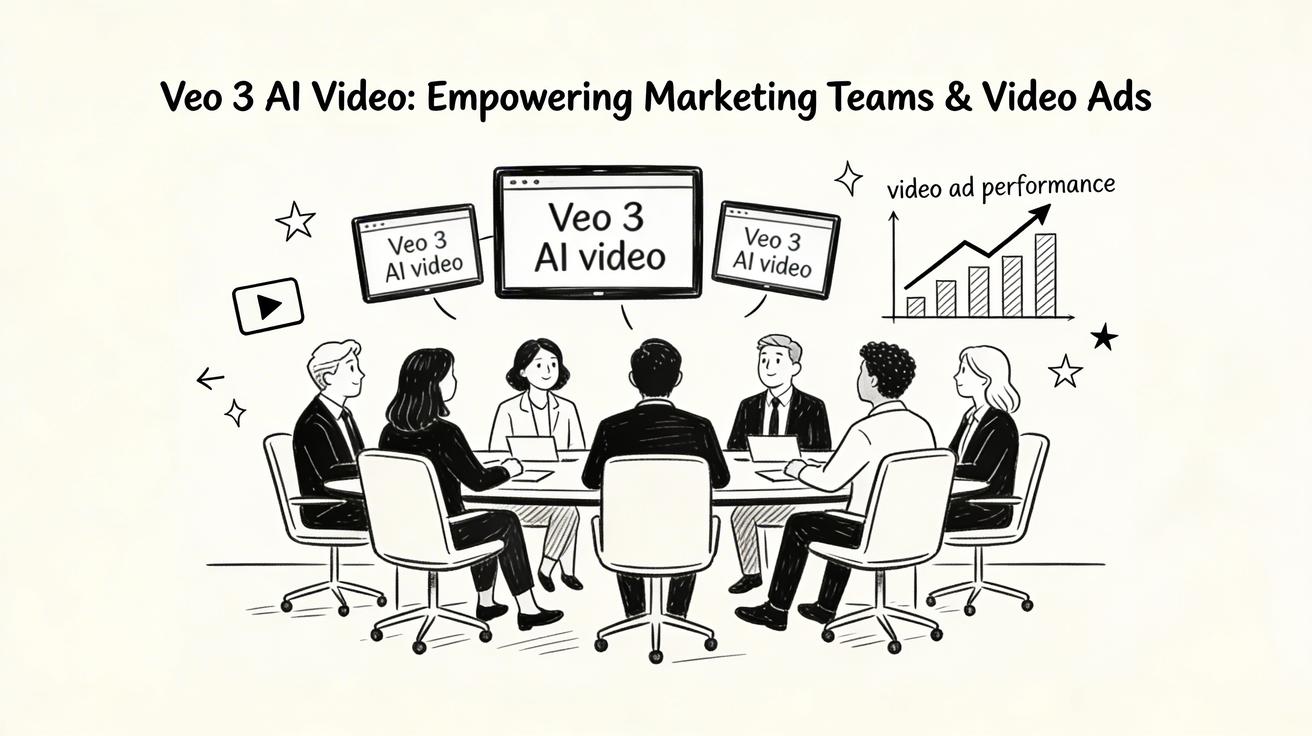
Veo 3 demonstrates a sophisticated understanding of cinematographic and photographic terminology. The model responds effectively to detailed style instructions, allowing for precise control over the generated visuals.
Happy Horse execution path:
- Build your first version in Text to Video or Image to Video.
- Refine motion and style using Video to Video.
- Add sound layers via Video to Audio when needed.
- Publish one clean variant and one experiment, then compare performance.
Why this works:
- Ensures repeatable production processes.
- Minimizes arbitrary editing cycles.
- Provides measurable results for weekly iteration.
Major Visual Styles in Veo 3
Veo 3 excels at generating a range of distinct visual styles, each with its own characteristics and applications.
Photorealistic Commercial
Ideal for business and marketing content, Veo 3's photorealistic output is virtually indistinguishable from professional camera footage, making it a strong foundation for commercial projects.
Cinematic Film
One of Veo 3's strongest capabilities lies in its cinematic output. The model accurately simulates the aesthetic of professional film production, delivering high-quality, film-like visuals.
Documentary / Vérité
Veo 3 handles documentary styles effectively, producing authentic, observational footage that feels genuinely captured rather than artificially staged.
Luxury Content
The model's photorealism makes it exceptionally well-suited for luxury content. Veo 3 accurately renders premium materials, controlled lighting, and sophisticated compositions, enhancing the perceived value of products or experiences.
Nature Documentary
With its advanced physics simulation and environmental rendering, Veo 3 is excellent for creating nature documentary style content, capturing the essence of natural settings with high fidelity.
Futuristic Aesthetics
Veo 3 adeptly handles futuristic aesthetics, generating clean, technology-forward visuals that are perfect for sci-fi or modern concept videos.
Happy Horse execution path for all styles:
- Start with Text to Video or Image to Video for initial generation.
- Use Video to Video to refine motion and stylistic elements.
- Integrate sound with Video to Audio as required.
- Test and compare performance between a primary variant and an experimental one.
Why this works:
- Maintains production consistency.
- Streamlines the editing process.
- Facilitates measurable improvements over time.
Style Consistency Across Multiple Clips
For projects requiring a unified visual style across several clips, Veo 3 offers methods to ensure coherence.
One effective technique is to use a consistent seed value across all generations within a campaign. For example:
python
campaign_seed = 42
model.generate_video(prompt=clip1_prompt, seed=campaign_seed)
model.generate_video(prompt=clip2_prompt, seed=campaign_seed)
Another approach involves creating a "style anchor" – a prompt that perfectly encapsulates your desired aesthetic. This anchor serves as a reference point for evaluating all subsequent generations, helping to maintain visual integrity.
You can also develop a reusable style descriptor template for your brand or project, ensuring that key stylistic elements are consistently applied. Referencing specific films or directors can further guide Veo 3's aesthetic output, allowing for nuanced stylistic control.
Happy Horse execution path:
- Begin with Text to Video or Image to Video.
- Refine motion and style with Video to Video.
- Add sound layers via Video to Audio when needed.
- Publish one clean variant and one experiment, then compare performance.

Why this works:
- Ensures repeatable production.
- Reduces random editing loops.
- Makes weekly iteration measurable.
Practical Weekly Workflow
- Define Objectives: Choose 2 to 3 key stylistic blocks from this guide and set a clear weekly objective for your content.
- Draft Initial Versions: Produce your first drafts using Text to Video and Image to Video.
- Refine and Enhance: Improve the structure and style of your videos with Video to Video.
- Add Audio: Integrate audio where necessary using Video to Audio or Text to Music.
- Publish and Analyze: Publish your content and rigorously track performance. Scale only the formats that consistently outperform your baseline.
Conclusion
Standardizing your content production process is the most reliable way to scale output. By maintaining a stable structure, iterating on specific sections, and scaling only proven performers, Happy Horse users can maximize efficiency and impact.
Call to Action
- Start with Image to Video: https://openhappyhorse.io/image-to-video
- Start with Text to Video: https://openhappyhorse.io/text-to-video
- Refine with Video to Video: https://openhappyhorse.io/video-to-video
- Add audio with Video to Audio: https://openhappyhorse.io/video-to-audio
- Build supporting visuals: https://openhappyhorse.io/text-to-image
FAQs
1) Can this workflow work for a solo creator? Yes. Start with a small weekly scope and reuse the same production blocks to build efficiency.
2) How many variants should I test per post? Typically, 2 to 4 focused variants are sufficient to identify clear winners and inform future content decisions.
3) Should I prioritize trends or consistency? Leverage trends for increased reach and visibility, but maintain a consistent format system to build long-term brand recognition and memory.